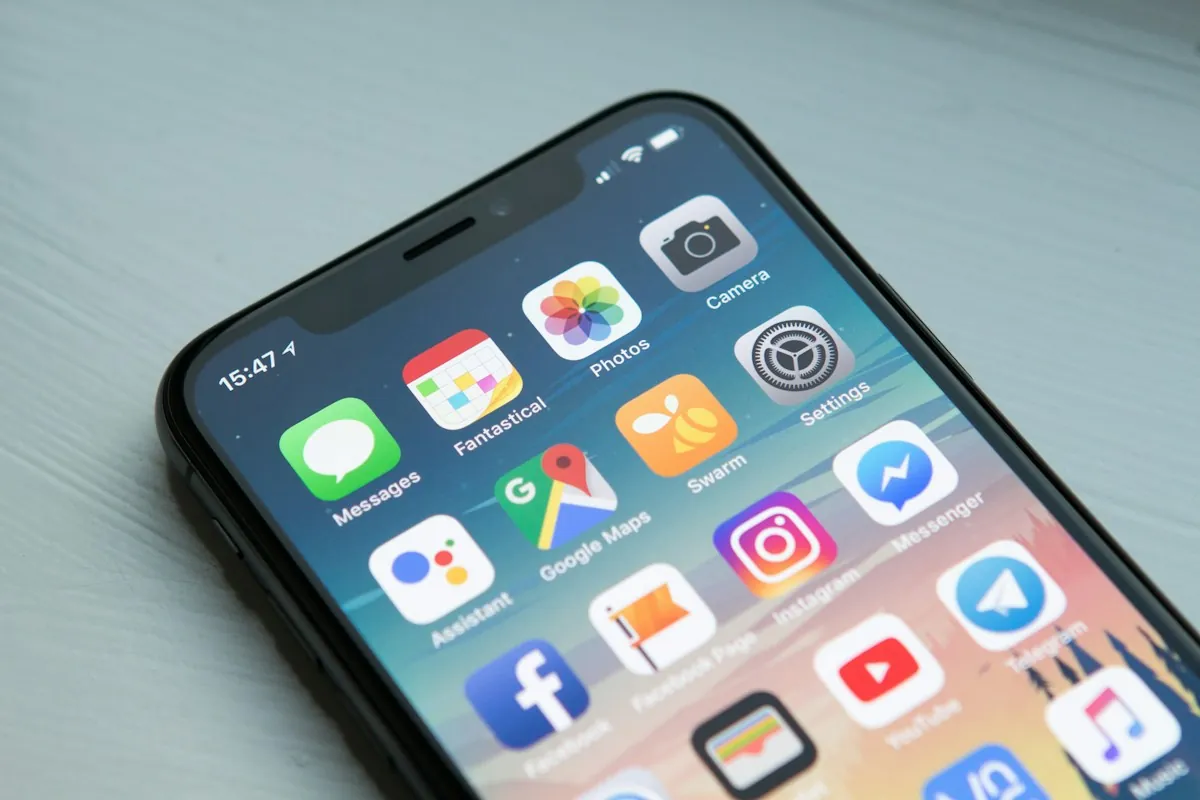
For most people, the smartphone is their only camera – thousands of family photos and holiday memories. And most of them have no backup. We show all the methods for Android and iPhone.
Method 1: USB cable to the PC
Android: connect via USB → “File transfer” → DCIM folder → copy the photos.
iPhone: Lightning/USB-C → iTunes or Finder → “Back Up Now”.
Advantage: free, no internet, data stays local. Disadvantage: manual.
Method 2: Cloud backup (automatic)
- Google Photos: free up to 15 GB, auto-backup, then €2.99/month for 100 GB
- iCloud: 5 GB free, 50 GB for €0.99/month
- OneDrive: up to 1 TB with Microsoft 365
Method 3: NAS – the professional solution
A Synology, QNAP or Ugreen NAS backs up photos automatically to your home network – without a cloud, without a subscription. Hasi Elektronic sets up NAS systems and configures automatic smartphone backup.
The 3-2-1 rule
- 3 copies – original + PC + cloud
- 2 media – hard drive + cloud
- 1 off-site – cloud or NAS
What else should be backed up
- WhatsApp: Settings → Chats → Chat backup → daily
- Contacts: backed up automatically with Google/iCloud
Lost data? Hasi Elektronic helps with data recovery and setting up backups. Grabenstraße 18, Vaihingen an der Enz (near Stuttgart). +49 7042 16391 – we are happy to help in English.