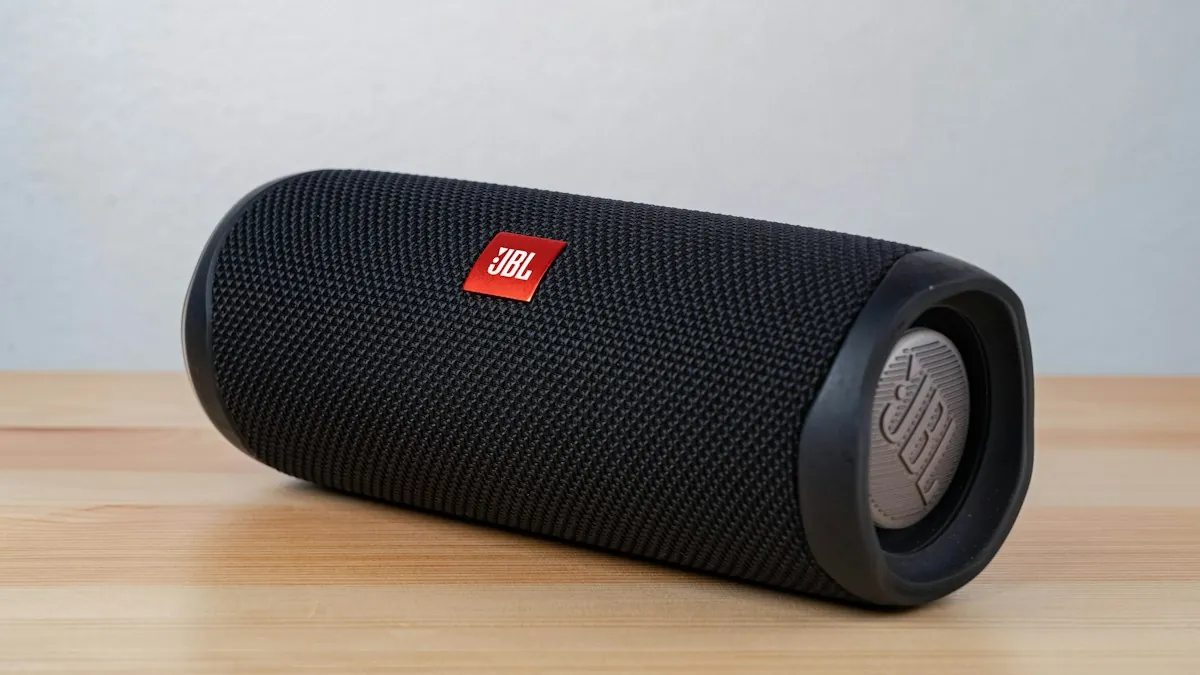
Wireless headphones that stutter, a mouse with annoying lag, a speaker that keeps disconnecting — sound familiar? Here's why Bluetooth connections can be problematic and how to fix them.
How Does Bluetooth Actually Work?
Bluetooth uses radio waves in the 2.4 GHz frequency band — the same frequency as WiFi routers, microwave ovens and baby monitors. This is the source of many interference issues.
Bluetooth Versions — What Matters
Bluetooth 5.0+: Range up to 40m, fast, stable — current standard
Bluetooth 4.x: Range ~10m, older devices — still works well for headphones
Bluetooth 3.0 and older: Slow, energy-hungry — avoid if possible
Why Does Bluetooth Stutter?
- Too much interference: Other Bluetooth devices, WiFi router, microwave — all compete on 2.4 GHz
- Too great a distance: Walls and obstacles reduce range drastically
- Outdated drivers: Especially on Windows, Bluetooth drivers are often outdated
- Battery low: Bluetooth quality drops significantly at low battery
Practical Solutions
✅ Keep Bluetooth device close to the receiver
✅ Update Bluetooth drivers (Device Manager → Bluetooth)
✅ Remove interference sources (place router away from Bluetooth devices)
✅ Forget device and re-pair it
✅ For audio: use aptX or AAC codec if device supports it
Bluetooth vs Cable — When to Use Which
Cable wins for: studio audio recording, gaming (latency matters), stable data transfer
Bluetooth wins for: mobility, headphones, speakers, mouse, keyboard, everyday use
Technology problem? We help: 07042 / 16391