The old laptop only starts after several attempts, the battery doesn't last two hours any more, and the fan sounds like a small vacuum cleaner. By then at the latest, the question arises: buy new, or a tested used device – a so-called refurbished laptop? Both routes have their justification, and both have pitfalls if you apply the wrong criteria.
In this guide we put into perspective when a used or refurbished laptop is really worthwhile, what you should definitely look out for when buying used, and how not to pay for features you never need in everyday use when buying a new device.
Refurbished isn't the same as used
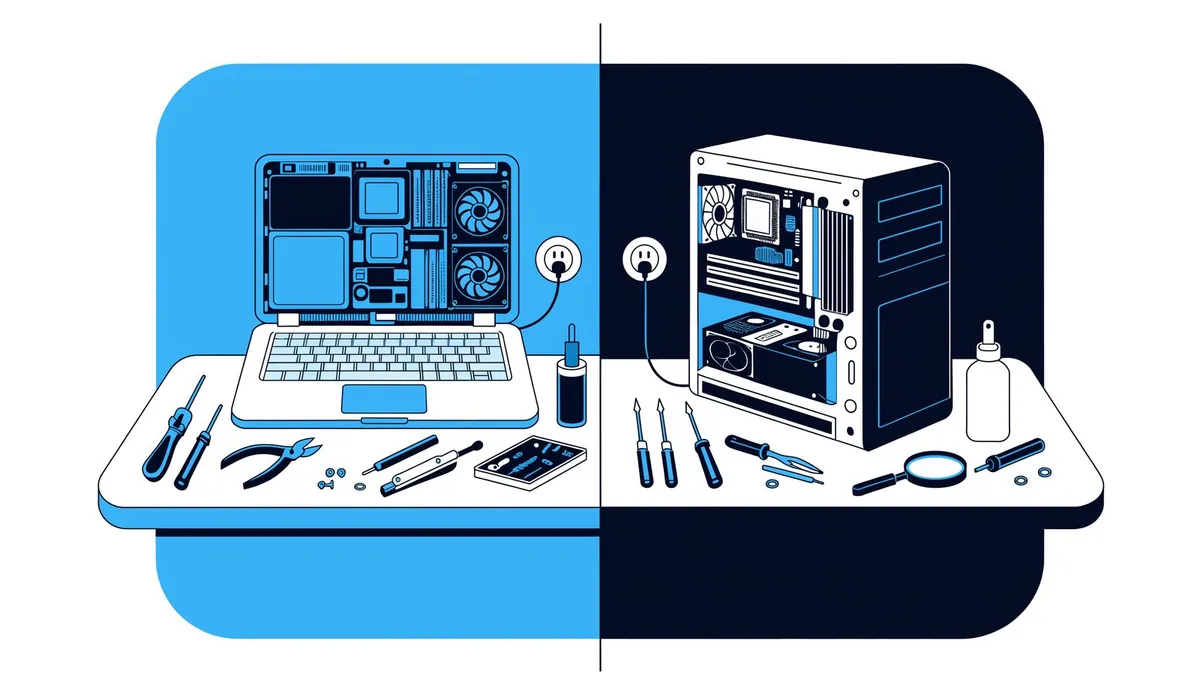
An important distinction first, which often gets mixed up in practice: used usually means a device is resold from private seller to private buyer or via a marketplace without any further checks – condition, battery health and functionality are unknown until you have it in your own hands. Refurbished, on the other hand, means that a device has been technically checked and cleaned by a specialist dealer or manufacturer, fitted with new wear parts such as a battery or keyboard if needed, and resold with a warranty.
The price difference between the two is often small, but the risk is very different. Anyone buying a used laptop should be aware of this fundamental distinction before opting for the supposedly cheaper option.
When a used or refurbished laptop is really worthwhile
For standard tasks without high computing demands. Anyone who mainly browses the internet, writes emails, edits text documents or watches videos hardly benefits from the latest processor generation. A two- to three-year-old business laptop from a reputable manufacturer often handles these tasks just as reliably as a current model.
For second or third devices in a household or business. A laptop for occasional use, for children to study with or as a backup device in case of illness rarely needs to contain the latest technology – here you can save a lot with a tested used device, without noticeable disadvantages in everyday use.
For sustainability reasons. A refurbished laptop extends the useful life of a device that has already been produced and thus saves resources compared with new production – an argument that now counts for many customers just as much as the price.
When not: for computing-intensive applications such as video editing, CAD software or current 3D applications, for devices that are meant to run for many hours a day in professional continuous use, or when a long warranty period of several years is decisive, a new device is usually the more reliable choice.
What you should definitely look out for when buying used
Have the battery health checked. The battery is the number one wear part in laptops. A device with a badly worn battery that barely lasts an hour looks cheap in the listing but quickly causes additional costs for a replacement – if a replacement is economically feasible at all for that model. Reputable refurbished sellers state the battery health as a percentage of the original capacity; with a private used purchase this usually can't be checked reliably in advance.
Display condition and hinges. Burnt-in pixels, a flickering display or worn hinges that no longer hold the screen stably in position aren't always obvious at first glance on a used device – a short, targeted function test before buying is worthwhile.
SSD health rather than just storage size. Solid-state storage is also subject to a certain amount of wear from write cycles. With a reputable refurbished seller the health is checked and the drive replaced if necessary; with a private used purchase this can hardly be determined without technical testing tools.
Origin and history. Ex-business devices from leased company stock are often well maintained, as they were usually used under professional conditions and serviced regularly – often a better choice than a device of unknown private origin.
Warranty and right of return. A refurbished dealer with a clearly stated warranty (six to twelve months is usual, sometimes longer) offers important protection that is generally completely missing with a private used purchase.
Operating system licence. Make sure that a pre-installed Windows has a valid licence assigned to the device, not a subsequently “transferred” or unclear licence – if in doubt, we'll check this for you before you buy.
When a new device really is worthwhile
With high or special performance requirements. Anyone who regularly works with computing-intensive software – video editing, CAD, 3D rendering, extensive data analysis – benefits directly from current processor and graphics performance that simply isn't available in older used devices.
With a long planned period of use. A new device starts its life cycle at zero, while a used device already has part of its life behind it. Anyone planning a laptop for the next five to seven years usually has a better starting point with a new device.
With special security requirements. Businesses with high protection needs benefit from current security features that the manufacturer will support for a long time, which are sometimes missing or no longer updated on older models.
Important when buying new: don't pay for features you won't use. A common mistake is buying an oversized device “just in case” – the most expensive processor, maximum graphics performance, even though mainly Office applications and the internet are used day to day. It makes more sense to assess your actual needs realistically and deliberately save the extra cost of unused performance – that money can often be invested more sensibly in more memory or a larger, more reliable SSD, which makes a bigger difference in everyday use than a slightly faster processor.
Business vs. consumer laptops: an often overlooked factor
With both new and used devices, it's worth looking at the device class. Business laptops are generally more robustly built, designed for longer continuous use, often easier to repair (replaceable components instead of glued-in parts) and frequently supported by the manufacturer with spare parts and driver updates for longer than pure consumer models. For professional use in a business, a used, tested business laptop is often the better choice than a new consumer device optimised for low purchase costs.
Data security when buying used: a point that is easily overlooked
When a used laptop changes hands – whether you're buying or handing over your old device – complete, professional deletion of all data plays a bigger role than many people think. A simple “format” using Windows' built-in tools often doesn't delete files irretrievably, but only removes the reference to them – with suitable software, such data can sometimes still be reconstructed. Anyone buying a used device should therefore, if possible, get confirmation that the drive has been professionally and verifiably wiped, not just superficially reset.
Conversely, the same applies when selling or disposing of your own old device: invoices, passwords saved in the browser, old email accounts or customer data should be reliably removed before handing it on. For businesses this is also a data protection issue under the GDPR, not just a question of personal caution. We take care of professional, documented data deletion both for used devices we buy in and for old devices you hand in to us.
Financing and leasing as a third option for businesses
Besides buying – whether new or used – businesses with larger device needs may occasionally want to look at leasing or instalment purchase. The advantage: the purchase costs are spread over several years and don't hit liquidity all at once, and the device fleet can be renewed in a planned way at the end of the term without old devices having to be laboriously resold first. The disadvantage: calculated over the entire term, leasing is usually more expensive than a one-off purchase, and it ties the business contractually for a fixed period. For individual devices or small businesses the extra effort is rarely worthwhile, but for businesses with a larger device fleet that needs regular renewal it can be a sensible option – we're happy to advise you on whether it pays off for your specific situation.
A real-world example
A small trades business wanted laptops for two new apprentices for office work – writing quotes, emails, occasionally simple costing spreadsheets. Instead of buying two new entry-level devices, we sourced two tested refurbished business laptops with replaced batteries and a twelve-month warranty, equipped with enough memory for smooth working. The result: significantly lower purchase costs with performance entirely adequate for the use case, including set-up and handover ready to use on the very first working day.
Memory and SSD: what really matters in everyday use
Regardless of whether you opt for new or used, it's worth taking a closer look at two values that usually affect noticeable everyday comfort more than the processor name on the price tag: memory (RAM) and SSD storage. A laptop with too little memory often feels sluggish in everyday use as soon as several programs or many browser tabs are open at once – an effect that a faster processor alone doesn't fix. For normal office work we now recommend at least 16 gigabytes of memory, even on a fairly basic device.
With the SSD, speed counts as well as size: a modern SSD ensures noticeably shorter start times and an overall more responsive system than an older, slower hard drive or storage that is too small and constantly at its capacity limit. With a used device it's therefore worth asking specifically about the SSD type and size, not just the processor and screen size – in everyday use these two values often decide more about the “felt” working speed than the processor's data sheet.
Checklist: the right decision in a few steps
First ask yourself what the laptop will actually be used for every day – not what might theoretically be needed at some point. Then check whether one of the situations above speaks for a new device (high computing load, long planned period of use, special security needs). If not, it's worth looking at a tested refurbished device with a warranty – ideally from a specialist dealer, not an unchecked private listing. In any case, get the battery health, warranty conditions and right of return confirmed in writing before you buy.
Frequently asked questions
Is a refurbished laptop as reliable as a new one? With a reputable seller with professional testing and replaced wear parts, everyday reliability is usually comparable with a new device of the same class – the main difference lies in the initial performance, not in basic stability.
How much can I save with a refurbished laptop compared with a new device? That depends heavily on the model and age; the saving is often around 30 to 50 per cent compared with the original price of a comparable new device, with tested quality and a warranty.
Do I get a warranty on a used laptop at all? With a reputable refurbished dealer yes – six to twelve months is usual, sometimes longer. With a purely private used purchase (for example via a classifieds site) there is generally no warranty; the purchase is “as seen”.
Is it worth buying through you rather than directly online? The advantage lies in the personal check and advice before buying, setting up the device directly at handover (including setting up user accounts, transferring old data and installing the software you need) and a fixed point of contact if questions or problems arise later – not just anonymous online support.
How can I tell whether a laptop offer is reputable? Look for clear information on battery health and refurbished components, a stated warranty, a right of return and a genuine legal notice with contact details – if you're unsure, we're happy to check a specific offer together with you.
What do I do with my old laptop after switching? On request, we take care of the professional, data-protection-compliant deletion of old drives and the environmentally sound disposal or reuse of the old device.
Can I have my new or used laptop set up directly by you? Yes, we take care of the complete initial set-up – operating system updates, setting up email accounts, transferring your previous data and installing the programs you need – so that the device is handed over to you ready to use.
Is there a difference between refurbished and “B-stock”? Yes, B-stock usually refers to new devices with small cosmetic flaws or returned new devices without real use, whereas refurbished devices have actually been used and then technically checked and reconditioned. Both can be a sensible, cheaper alternative to buying new, but they differ in their history.
Conclusion
Neither “always used” nor “always new” is the right answer across the board – what matters is the actual purpose. For standard tasks, second devices or for cost reasons, a tested refurbished laptop with a warranty is often the smarter choice. With high performance requirements, a long planned period of use or special security needs, a new device is usually the more reliable investment. In both cases, what matters is buying for your own actual requirements – not for a data sheet.
We advise you without obligation on the right device for your use case, check specific offers before you buy and take care of the complete set-up.
Contact: +49 7042 16391 · [email protected] · Grabenstraße 18, 71665 Vaihingen an der Enz, Germany (near Stuttgart). We are happy to help in English.