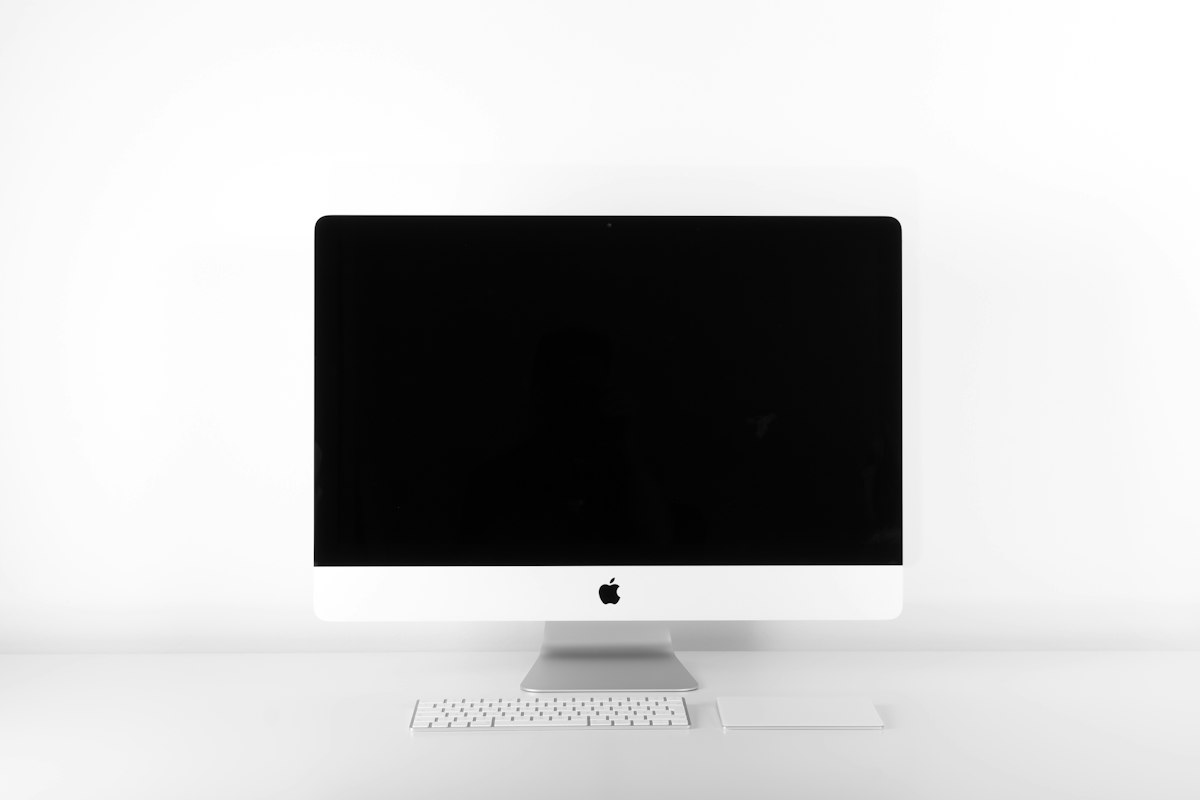
Headaches after work, tired eyes, difficulty concentrating? Your monitor could be the culprit — even if you can't see anything wrong with it.
Why Do Monitors Flicker?
Traditional monitors use PWM (Pulse Width Modulation) to control brightness. The backlight turns on and off rapidly — so fast that you consciously don't see it. But your eyes and brain do register it. The result: eye strain, headaches, fatigue.
What Does "Flicker-Free" Mean?
Flicker-free monitors use DC dimming (Direct Current) instead of PWM. The backlight doesn't flash — it's continuously on at a constant brightness. No flickering, no eye strain.
How to Recognize Flicker-Free Monitors
Look for: "Flicker-Free" or "PWM-Free" certification · TÜV Rheinland Eye Comfort certification · In tech specs: DC Backlight
Other Eye-Friendly Features
Blue Light Filter: Reduces blue light portions that can disrupt sleep and tire eyes
High Refresh Rate (75Hz+): Smoother motion, less eye strain
Matte Display: Reduces glare and reflections
IPS Panel: Better color accuracy and wider viewing angles
Screen Distance and Height
Correct monitor distance: arm's length (~60 cm). Monitor height: top edge at eye level or slightly below. This reduces neck strain significantly.
Questions about monitor setup or purchase advice? 07042 / 16391