A ransomware attack paralyses the PC, all customer data is encrypted. Pay 2,000 euros in Bitcoin – or lose everything. It sounds like a film. But Germany's Federal Office for Information Security (BSI) registers thousands of such attacks in Germany every day – and more and more often, small businesses are hit.
Why? Because small businesses are less protected than large companies. Hackers know that. In this guide we explain which concrete measures protect your business – without an IT degree and without a huge budget.
The biggest threats to small businesses in 2026
1. Ransomware – the most expensive threat
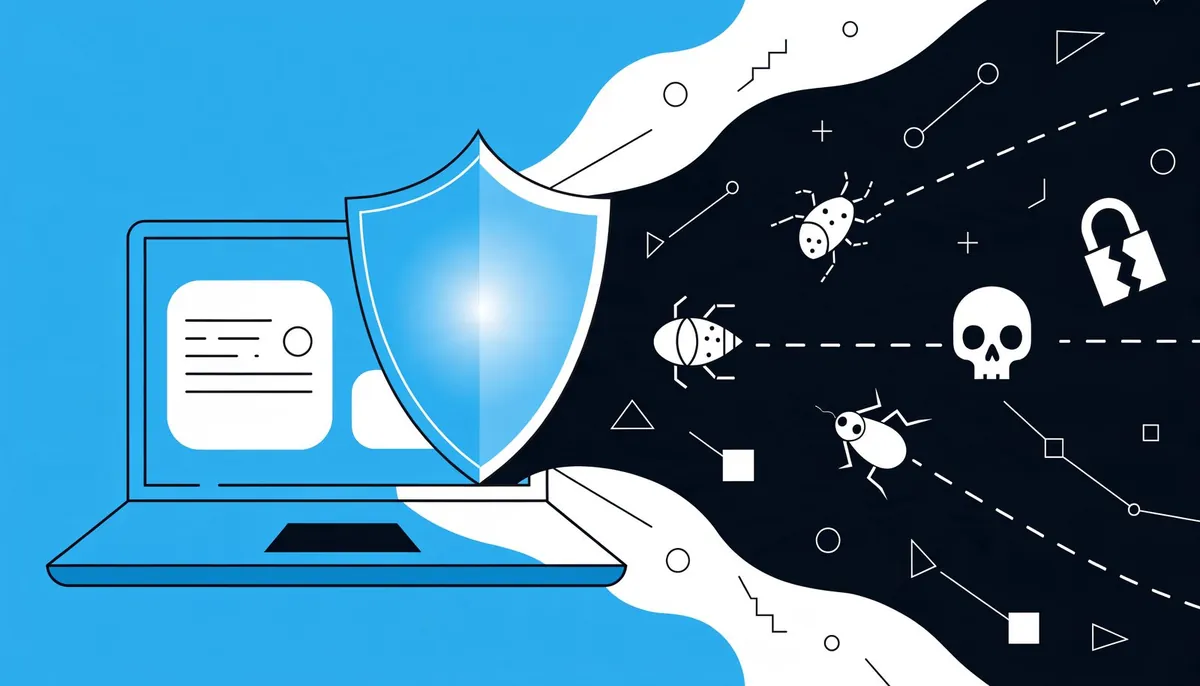
Ransomware encrypts your files and demands a ransom for decryption. It often reaches the PC through email attachments or fake websites. Small businesses pay 5,000–50,000 euros on average – or lose everything.
2. Phishing – the most common entry point
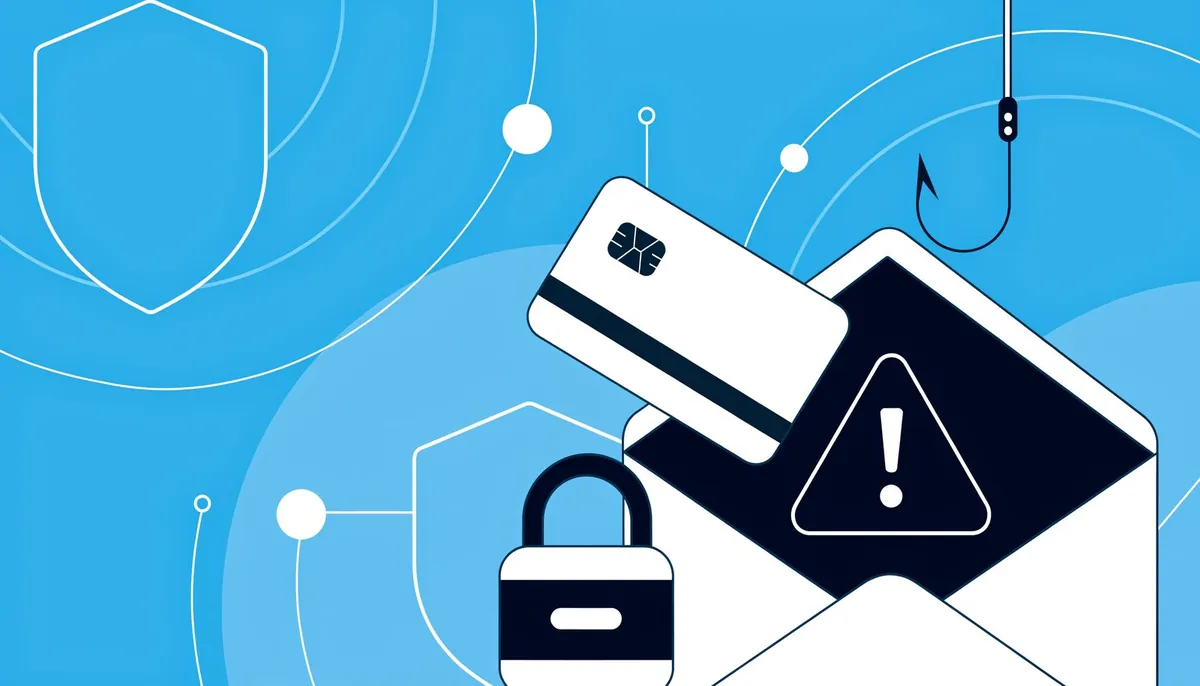
Fake emails that look like genuine messages from banks, PayPal or the post office. One click – and malware is installed or passwords are stolen. Over 90% of all attacks start with phishing.
3. Weak passwords
“123456”, “Company2024”, the company name as a password – these are not jokes, this is reality. Hackers use automated tools that try millions of passwords per minute. Simple passwords are cracked in seconds.
4. Software that isn't updated
Security holes in Windows, Office or other programs are actively exploited by hackers. Microsoft closes these holes with updates – but only if you actually install them. Many businesses switch off updates because they are “annoying”.
5. Missing backups
This isn't a threat, but it's the worst consequence: if there is no backup and ransomware strikes, the data is gone. A backup is the only 100% reliable insurance against data loss.
The 10 most important protective measures – by priority
Priority 1: Up-to-date backups (essential)
Without a backup, every other measure is only worth half as much. Set up automatic daily backups – to an external hard drive that isn't permanently connected, AND to a cloud. The 3-2-1 rule applies here too: 3 copies, 2 media, 1 off-site location.
In practice: set up Windows Backup (free), connect an external hard drive weekly, automate cloud backup with OneDrive or a NAS (e.g. Synology).
Priority 2: Strong, unique passwords
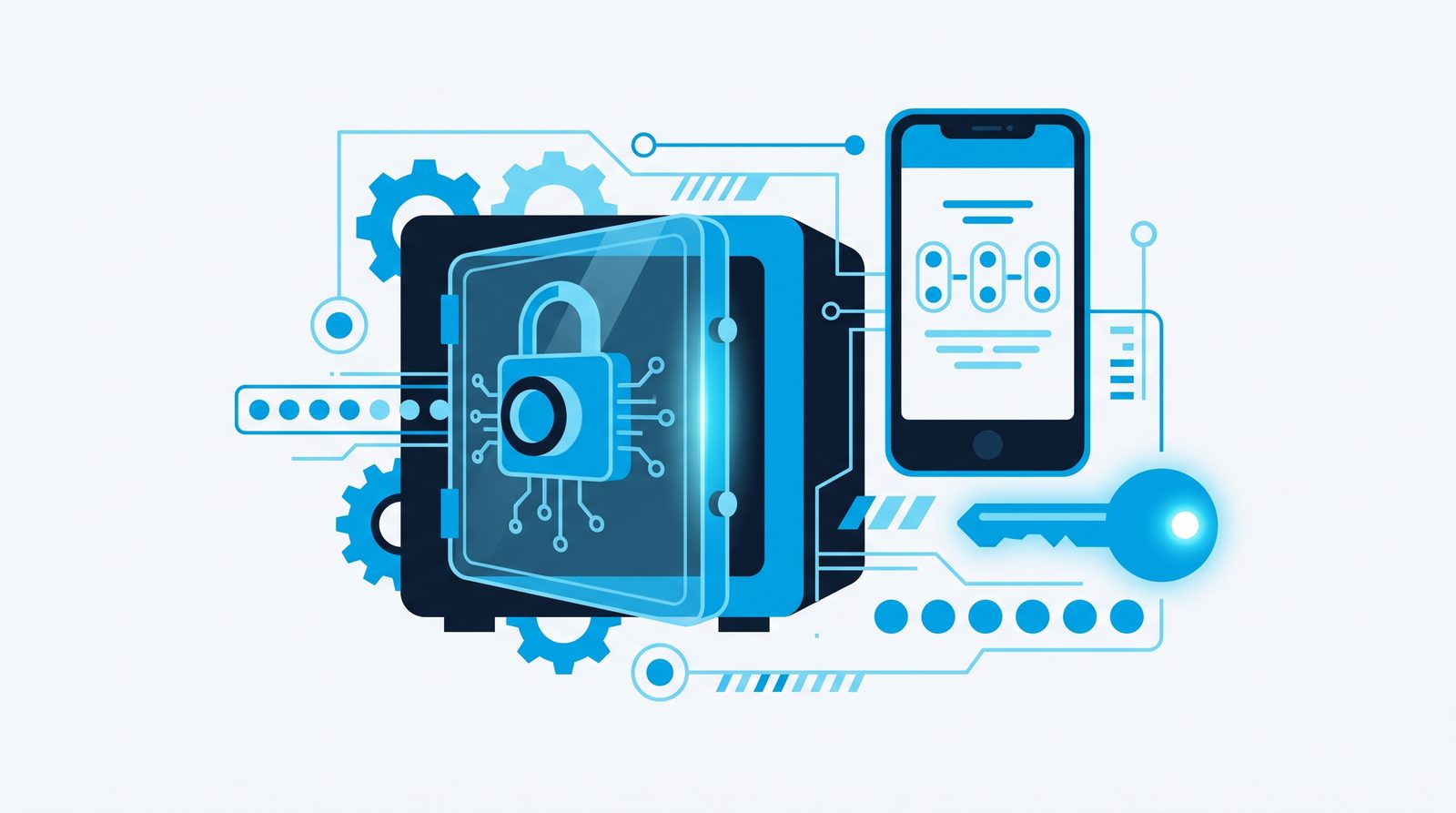
Every service needs its own long password. With a password manager, that's no problem. Tools such as KeePass (free) or Bitwarden store all passwords securely – you only need to remember one master password.
Our tip: the Hasi Safe Stick combines an encrypted USB stick with KeePass – your passwords always with you, always secure.
Priority 3: Two-factor authentication (2FA)
2FA means that, in addition to the password, you need a second factor – usually a 6-digit number that changes every 30 seconds. Even if your password is stolen, the hacker can't get in without this second code.
Enable 2FA for: email account, online banking, cloud storage, social media, tax software.
Priority 4: Antivirus with active protection
Windows Defender (built into Windows 11) is better than its reputation and sufficient for many businesses. For higher requirements we recommend G DATA or ESET – German and European vendors respectively with strong data protection. Hasi Elektronic is an official ESET partner.
Priority 5: Set up a firewall
A firewall controls who accesses your network and which connections are allowed. The Windows firewall is switched on – but for a company network we recommend a dedicated hardware firewall. OPNsense is a professional open-source solution that we install and configure at Hasi Elektronic.
Priority 6: Train your staff
Technology only protects as well as the person behind it. The most common entry point for attacks is an employee clicking a phishing link. Short, regular training sessions (once a year, one hour) reduce the risk dramatically.
What employees need to know:
- Don't open suspicious email attachments
- Always hover over links before clicking
- If in doubt: ask IT, don't act
- Never pass on passwords by email
- Report suspicious activity immediately
Priority 7: Install updates promptly
Enable automatic Windows updates. Yes, they can sometimes be a nuisance – but an unpatched security hole is more dangerous than a restart. Schedule updates for quiet times (e.g. Friday night).
Priority 8: Separate networks (guest Wi-Fi)
Customers or visitors should never be on the same Wi-Fi as your business devices. A separate guest Wi-Fi costs nothing and prevents compromised guest devices from getting into your network.
Priority 9: Encrypt sensitive data
Customer data, financial data, contracts – these should be stored encrypted. Windows BitLocker (free in Windows Pro) encrypts the entire hard drive. Even if a laptop is stolen, nobody can get at the data.
Priority 10: Emergency plan
What do you do if it happens anyway? Do you have the numbers of your bank, your IT service provider and your insurer to hand? A simple one-page emergency plan can save hours and limit damage when it counts.
What does IT security cost?
First things first: many of the most effective measures are free or very cheap.
- Windows Defender: free (already installed)
- Windows Backup: free
- Enabling 2FA: free
- Updates: free
- KeePass password manager: free
- ESET antivirus: approx. €40–80 per PC per year
- OPNsense firewall: hardware from €300, one-off
- Hasi Safe Stick: €59, one-off
A solid security package for a small business with 3–5 PCs costs under €500 – one-off. A single ransomware attack costs ten times as much.
GDPR and IT security: what is mandatory
The General Data Protection Regulation (GDPR) obliges companies to protect personal data. This applies to anyone who stores customer data – in other words, practically every business. In the event of a data breach, fines of up to 20 million euros or 4% of annual turnover can be imposed.
Concrete obligations: encryption of sensitive data, access controls, regular backups, a privacy policy on the website, a record of processing activities. It sounds bureaucratic, but with the right set-up it's quickly done.
IT security check for your business Not sure how well protected you are? We come to you, analyse your current situation and show you what really matters – no scaremongering, no unnecessary expensive tools. Concrete recommendations, clear priorities. Hasi Elektronic is your IT security partner in Vaihingen an der Enz and the surrounding area – and we are happy to help in English.