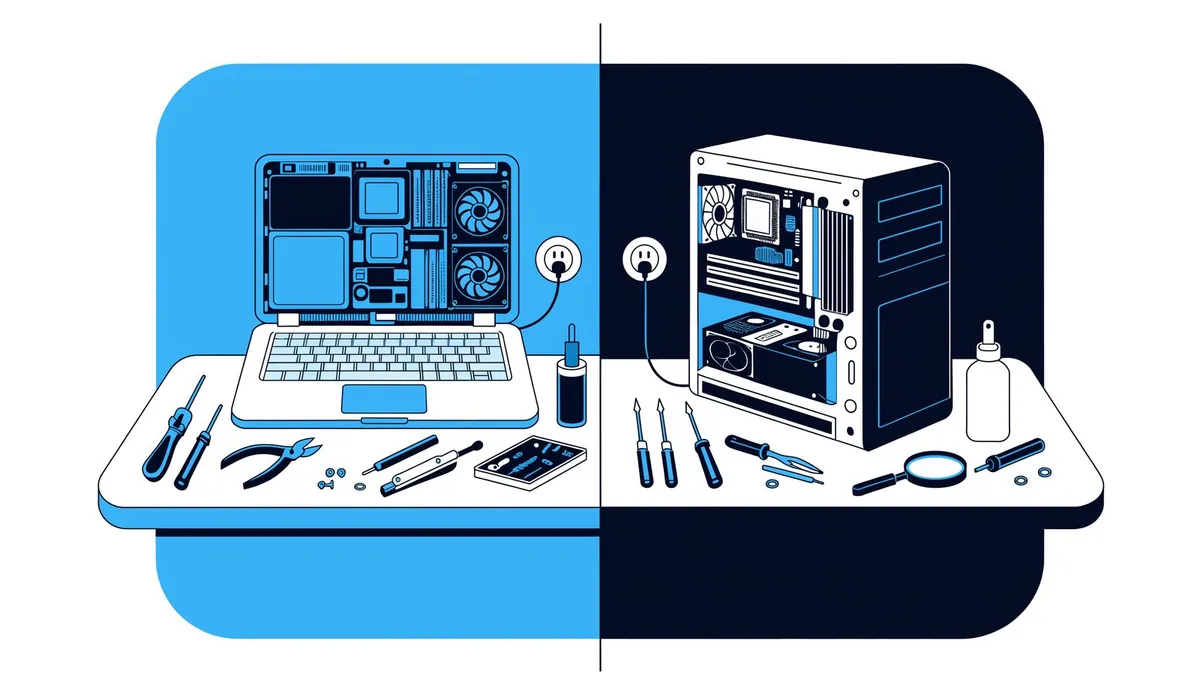
“Is it even still worth it?” is the question we are asked with almost every repair request – whether MacBook or Windows notebook. The honest answer is: it depends, and for different reasons with Mac and PC. Anyone bringing in a device for repair usually compares it unconsciously with the price of a comparable new model – overlooking the fact that repairability, spare part prices and waiting times differ considerably between the two worlds.
In this guide we compare Mac and PC repairs honestly: which defects are typical, what they each cost, when going to Apple itself makes sense and when a local, independent service gets there faster and more cheaply – including the question of when buying new really is the more sensible decision.
Typical defects: Mac vs. PC
With MacBooks we most often see: defective displays (often after a fall or pressure on the closed lid), failed keyboards (especially with the older butterfly keyboard generations from 2016–2019), batteries that swell and lift the trackpad area, and liquid damage, as MacBooks are harder to open and dry out than many Windows devices due to their design.
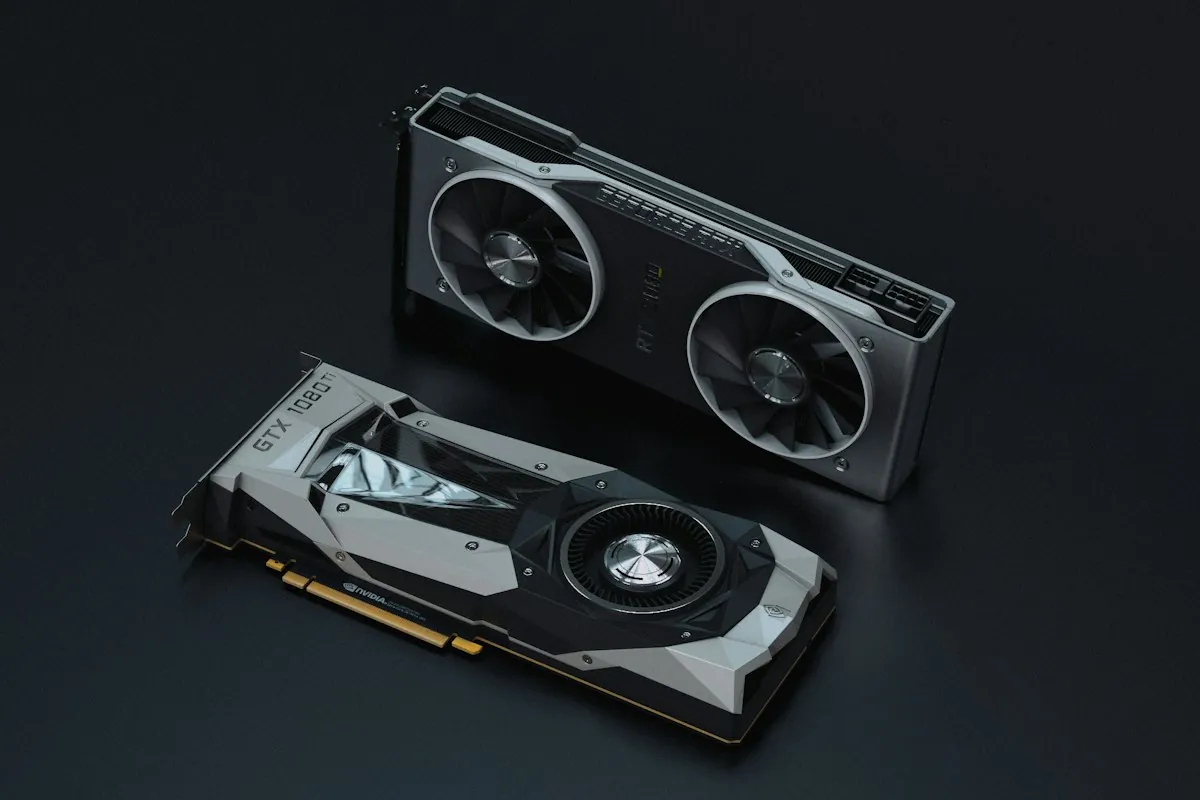
With Windows PCs and notebooks the dominant problems are: power supply and charging port defects, failed hard drives or SSDs (especially in older devices with a classic HDD), overheating due to dusty fans, and software problems caused by malware, faulty drivers or an overloaded, never-maintained Windows system. Desktop PCs also suffer power supply and graphics card failures, which hardly occur in this form in notebooks.
An important difference lies in modularity. A classic Windows desktop PC is usually built from interchangeable standard components – power supply, memory, hard drive and graphics card can be swapped independently. Many modern MacBooks (especially the Apple silicon models with M chips) have memory and storage permanently soldered to the mainboard – in practice, a defect in one of these components often means replacing the entire main board, not a single part.
Cost comparison: what repairs realistically cost
The following figures are rough guide values from practice – the actual price always depends on the specific model and type of damage, which we tell you transparently and at a fixed price after a free diagnosis.
Display replacement: for Windows notebooks usually in the low to mid three-figure range, as display panel spare parts for most brands are widely available and competitively priced. For MacBooks, display replacement is noticeably more expensive, especially for models with a True Tone sensor or integrated camera electronics in the lid, as the complete display assembly often has to be replaced rather than just the panel.
Battery replacement: straightforward and cheap on most Windows notebooks, as batteries are often fitted as a separate, easily accessible component. On MacBooks the battery is usually glued in and requires more working time and special tools – correspondingly higher in price, but still well below buying new.
Keyboard or case repair: on Windows devices usually a simple, cheap swap of the keyboard unit. On older MacBook generations with a butterfly keyboard, the upper case shell including keyboard and trackpad often has to be replaced, which makes the repair noticeably more expensive.
Mainboard repair: this is where the biggest difference shows. On Windows PCs a defective mainboard is often a replaceable individual part at reasonable cost. On MacBooks with soldered memory, a logic board defect can quickly amount to a considerable proportion of the price of a comparable new model – an honest weighing-up against buying new is always worthwhile here.
Data recovery: Windows systems with the NTFS file system are widely supported by common recovery tools and are usually straightforward to work on. Mac systems with APFS (Apple File System) require more specialised, often more expensive tools and expertise – data recovery itself therefore tends to be somewhat more complex on Mac devices, but is technically just as solvable.
Apple repair vs. an independent local service
A point that often causes frustration for MacBook owners: going through official Apple support. Repairs by Apple itself or an authorised Apple service provider usually mean booking an appointment first, often sending the device in or travelling to the nearest Apple Store, and prices based on the price of new, as Apple generally replaces entire assemblies rather than individual parts.
An independent, experienced repair service can work much faster and more cheaply on many defects – display, battery, keyboard, diagnosis, data recovery – because the defective part is repaired or replaced specifically, not the entire assembly. The limit lies with very new models with heavily soldered, proprietary components or with devices still under Apple's manufacturer warranty – here the official route can actually be the more economical option, because the repair is completely or partly free of charge. During the diagnosis we tell you honestly which route makes more sense in your specific case, rather than always recommending our own service.
With Windows devices this question rarely arises in this form, as most manufacturers refer you to authorised workshops or independent repairers outside the warranty period anyway – a local, independent service is practically always the obvious and usually also the cheapest choice here.
Spare part availability and waiting times
An often underestimated factor in the repair decision is simply the time until the right spare part is available. Windows notebooks use standard components for many wear parts – batteries, displays, keyboards, power supplies – which are produced by several suppliers in parallel. This ensures short procurement times and competitive prices, even for models that have been on the market for some years.
With MacBooks the situation is more nuanced: for common, widely sold models, the most important spare parts are also readily available. With rarer configurations, very new models shortly after launch or more unusual defects, however, obtaining the right original part can take noticeably longer, because the spare parts market for Apple devices is smaller overall and more tightly regulated than the broad PC accessories market. During the diagnosis we therefore always tell you honestly how long procurement will realistically take in your specific case – before you rely on a date that can't be kept in the end.
Liquid damage: a special case
With both MacBooks and Windows notebooks, liquid damage – spilt coffee, rain, a knocked-over glass of water – is among the most critical and time-sensitive defects of all. The same first rule applies to both platforms: switch the device off immediately, and on no account try to “blow-dry” it or switch it on again to test whether it still works – every further flow of current through a damp mainboard usually increases the damage considerably.
The difference shows afterwards: many Windows notebooks can be opened comparatively easily, the affected board cleaned and individual corroded components replaced specifically. MacBooks are more tightly packed and harder to access due to their design, which makes cleaning more complex and tends to lower the success rate with more severe damage. In both cases: the sooner the device is brought in for diagnosis after the incident, the better the chances – every hour with a switched-on or damp device worsens the outcome.
Older devices: is repairing an older model worthwhile?
A common situation: a device bought used or in use for some time has a defect, and the question is whether the investment is still worthwhile at all. It helps to look at three factors together, not just at the repair price alone:
Remaining software support. A Mac that still receives the current or previous macOS version, or a Windows device with official Windows 11 support, generally still has several years of useful life ahead of it – a repair is usually much more worthwhile here than on a device whose manufacturer update cycle has already ended.
Condition of the other wear parts. An isolated defect in an otherwise intact, well-maintained device is a good candidate for repair. If there is also a heavily aged battery, a loud fan and an overall “tired” device, the likelihood is high that the next defect will follow shortly after the repair.
Current market value of comparable used devices. A quick search on common second-hand platforms quickly shows what a comparable model in its current condition is realistically worth – the repair costs can be set directly against that.
When buying new pays off more than repairing
Honest repair advice doesn't always end with a repair recommendation. As a rough rule of thumb: if the repair costs exceed around 50 to 60 per cent of the current market value of a comparable used device, buying new usually makes more economic sense – especially when the age of the device, the condition of the battery and other wear parts, and the manufacturer's remaining software update support are also taken into account.
Concrete warning signs that speak for buying new instead of repairing:
- The device has already been repaired several times and is showing new, unrelated defects.
- There is a mainboard/logic board defect and the repair costs are approaching half the price of a comparable new model.
- The manufacturer is about to end software update support for the model (relevant above all for older MacBooks without a current macOS version and for Windows devices without Windows 11 support).
- The battery and other wear parts are also at the end of their life, so the next defect can be expected soon after the current repair.
Conversely, a repair is clearly worthwhile in most cases if it's an isolated defect in a basically still capable device – a broken display, an exhausted battery, a failed hard drive in an otherwise functioning system.
Data recovery: a special case on Mac
Anyone bringing in a MacBook with a data problem should know: modern Macs with Apple silicon (M1 and newer) encrypt the internal SSD by default, closely linked to the security chip of the respective device. That's excellent for protection against theft, but it also means that data recovery from a defective internal SSD is much more limited on these models than from a classic, unencrypted Windows hard drive – in some cases recovery is no longer possible at all without a working security chip. A working, up-to-date backup is therefore even more important with modern MacBooks than with most Windows devices.
Our honest approach
- A free diagnosis, whether Mac or PC, notebook or desktop.
- A transparent fixed price before the actual repair begins – no hourly-rate surprise.
- An honest recommendation to buy new if the repair no longer makes economic sense – even if that means less revenue for us.
- A data backup before every repair where technically possible, so that a repair attempt doesn't additionally put data at risk.
- Referral to Apple or the manufacturer if that route is cheaper in an individual case or free thanks to the warranty.
Frequently asked questions
Will I lose my Apple warranty if I have my MacBook repaired by you instead of Apple? A repair by an independent service provider can affect the remaining manufacturer warranty for the repaired part. If your device is still under warranty, we point this out during the diagnosis and in that case generally recommend going through Apple.
Is a PC repair generally cheaper than a Mac repair? In most cases yes, mainly because of the wider availability of spare parts and the better modularity of Windows devices. But there are exceptions with Windows notebooks too, for example very thin ultrabooks with similarly soldered components.
What if I'm not sure whether the repair is worth it at all? That's exactly what the free diagnosis is for: we give you the realistic repair costs and tell you honestly whether it's worthwhile relative to the device's value – you make the decision.
How long does a typical repair take? Display replacement, battery replacement and similar standard repairs are often done within a few working days if the spare parts are in stock. With rarer MacBook parts or special orders it can take a little longer – we give you a realistic time frame during the diagnosis.
Can I get a loan device during the repair? In many cases this can be arranged, especially if it's foreseeable that a spare part will take a little longer and you depend on a working device for business. Mention it directly during the diagnosis and we'll check the options for your specific case.
Are refurbished spare parts a good alternative to original parts? For certain parts – such as displays or case parts – tested, high-quality alternative parts offer good value for money compared with original spare parts, without any noticeable loss of quality in everyday use. For safety-relevant parts such as batteries, we always rely on tested quality with the appropriate safety certifications, not on the cheapest option available.
Conclusion
Mac and PC repairs follow different logic: Windows devices usually score with cheaper, widely available spare parts and high modularity; MacBooks with high build quality, but sometimes considerably higher repair costs for deeper defects due to soldered components. In both worlds, however, the same principle applies: an honest diagnosis before any cost decision is more important than a blanket prejudice against one platform or the other.
Whether it's a MacBook with a broken display, a Windows notebook with a failed hard drive or a desktop PC that simply won't boot properly any more: bring your device in for a free diagnosis and we'll tell you honestly what's worthwhile.
Contact: +49 7042 16391 · [email protected] · Grabenstraße 18, 71665 Vaihingen an der Enz, Germany (near Stuttgart). We are happy to help in English.