When we reconstruct the cause after a security incident, the trail surprisingly often leads to a single point: a weak, reused or phished password. Not a highly complex attack, not an unknown security hole – but a completely ordinary login that was too easy to guess or too easy to steal.
The good news: exactly this most common entry point can be secured significantly with two comparatively simple measures – a password manager and two-factor authentication. Both can be set up in a few hours, cost little or nothing, and considerably reduce the risk of a successful attack. Nevertheless, many private individuals and small businesses still do without them.
Why “remembering a good password” no longer works
The classic recommendation – a strong, unique password for every service, changed regularly – was hardly practicable years ago and is even less so today, with an average of several dozen online accounts per person. The realistic alternative that most people actually choose: a single, reasonably strong password that is reused for several or even all services.
And that's exactly the problem. If even one of these services falls victim to a data leak – which has happened repeatedly to large platforms in recent years – the email address and password end up in circulation. Attackers then automatically try this combination on numerous other services, a practice known as “credential stuffing”. A single compromised password can thus become the master key to your email account, online banking, cloud storage and company access – if the same password is used everywhere.
What a password manager actually solves
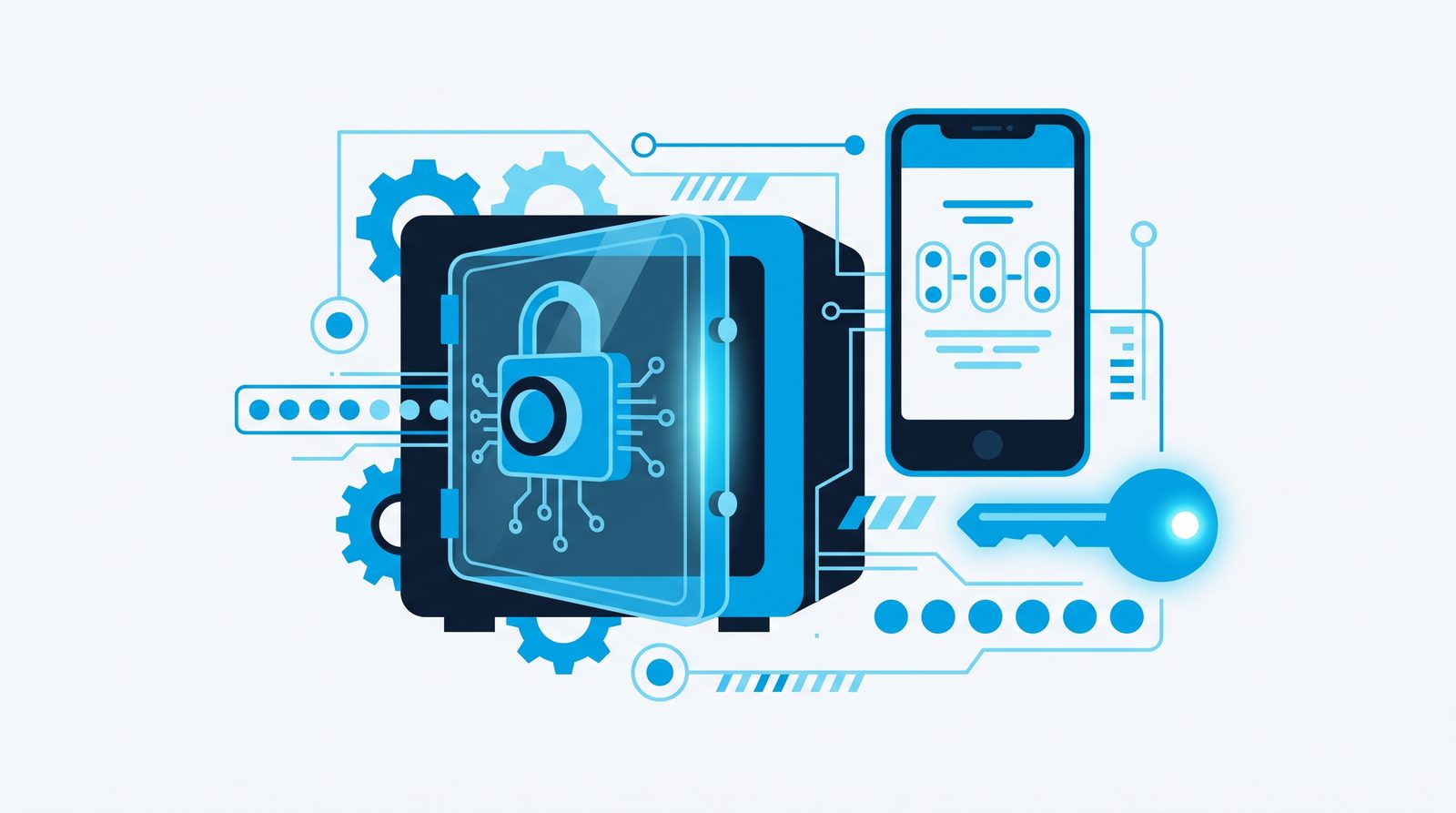
At its core, a password manager is an encrypted digital vault: it generates a long, random, unique password for each service, stores it encrypted and fills it into login forms automatically when needed. The user only has to remember a single, strong master password that opens the vault.
The decisive advantage: even if a service is compromised, only the password generated for that one service is affected – all other logins remain untouched because they are different and sufficiently complex. A human could never remember twenty or thirty completely different, twenty-character random passwords – a password manager does exactly that, reliably and effortlessly.
Common, recommendable solutions differ mainly in their range of functions and where the data is stored (locally or in the provider's cloud) – for most private users and small businesses, a cloud-based solution with encryption that is synchronised across all devices is suitable, so that passwords are equally accessible on PC, smartphone and tablet.
Two-factor authentication: the second line of defence
Even the strongest password doesn't offer complete protection if it falls into the wrong hands through phishing – a fake login page that tricks you into entering your credentials. This is exactly where two-factor authentication (2FA, also multi-factor authentication, MFA) comes in: in addition to the password, a second, independent proof is required to log in, typically a time-limited code from an authenticator app on your smartphone.
The effect: even if an attacker knows the password, they lack the second factor without access to the smartphone – access remains locked. In practice, 2FA thus prevents the majority of account takeovers that rely solely on a stolen password.
The most common 2FA methods at a glance:
- Authenticator app (e.g. on your smartphone): generates a new code every 30 seconds, also works without an internet connection – currently the recommended standard solution.
- SMS code: easy to set up, but less secure, as text messages can in principle be intercepted or redirected through so-called SIM swapping.
- Hardware security key (e.g. a USB stick using the FIDO2 standard): the highest level of protection, recommended for particularly sensitive accounts, somewhat more effort to acquire.
- Push notification: a confirmation request directly in an app – very convenient, but only as secure as the care taken when confirming (never blindly confirm requests when you aren't logging in yourself).
For most private and business purposes, an authenticator app is the best compromise between security and everyday usability.
Where to start first
Not every login has the same priority. When introducing a password manager and 2FA, a staggered approach is recommended, starting with the accounts with the highest damage potential:
First: your email account. Anyone with access to your mailbox can take control of most other services via the “forgot password” function. The email account is therefore effectively the master key to almost everything else and deserves the strongest protection accordingly.
Then: online banking and payment services. Direct financial damage if misused, so high priority.
Next: cloud storage and business systems. Access to Nextcloud, OneDrive, Google Drive, the till system or internal company applications – this is often where sensitive customer or business data is stored.
Finally, but not unimportant: social media and other accounts. A lower but not negligible risk, especially if business accounts are affected.
Password managers in a business: use the team features
For small businesses there is also the question of how shared logins – for example to a social media account, a shared cloud folder or a supplier portal – can be managed securely. The solution often found in practice – a login is passed on via a note, messenger message or unencrypted document – is problematic from a security point of view and also hardly traceable as soon as an employee leaves the business.
Password managers with team or business features solve this more elegantly: logins can be shared specifically with certain employees without the actual password ever being visible in plain text, and access can be revoked centrally with a single click when an employee leaves – something that simply doesn't work with the classic “password on a sticky note”, since nobody knows reliably who still knows the login.
A common objection: “Isn't a password manager itself a risk?”
A legitimate thought that we often come across: if all passwords are stored in one place, isn't that place a particularly worthwhile target? The answer lies in the encryption: reputable password managers encrypt the entire vault in such a way that even the provider itself has no access to the stored passwords – the vault can only be decrypted with the user's individual master password. Even if a provider were hacked, the individual vaults would remain unreadable without the respective master password.
What matters is the quality of this one master password – care really pays off here: a longer, memorable passphrase made up of several random words is in practice both more secure and easier to remember than a short, complicated string of characters.
What makes a really strong password (beyond “special character required”)
Many services require capital letters, numbers and special characters when you set a password – a rule that is well meant but says little on its own about a password's actual strength. “Password1!” formally meets these criteria but is still easy to guess because it follows a very common pattern. What really matters for security is above all length and randomness – not mere variety of characters.
A twenty-character random password of letters, numbers and special characters generated by a password manager is practically impossible to guess or crack by systematic trial within a reasonable time. For the one master password you actually have to remember, a so-called passphrase is recommended instead – several random, unrelated words strung together (for example a combination of four to five arbitrary terms). Thanks to its length, such a passphrase is very secure and at the same time, unlike a random jumble of characters, genuinely memorable for a human.
Passkeys: the next stage of development
A term that is appearing more and more often and that will complement or replace classic password entry in the future is passkeys. Here the password is replaced by a cryptographic key pair: a private key remains securely on the device (smartphone, notebook) and is released by biometrics such as a fingerprint or face recognition, while a public key is stored with the respective service. Since no classic password is ever transmitted or stored, the classic phishing risk largely disappears – there simply is no longer a password that a fake login page could harvest.
More and more large services (email providers, cloud platforms, operating systems) already support passkeys, but adoption among smaller and business services is still in its early days. For the coming years, a coexistence of password managers, 2FA and passkeys is realistic – anyone who creates a solid foundation today with a password manager and 2FA is also well prepared for the gradual introduction of passkeys.
A short reality check: what actually happens without these measures?
To make the urgency more tangible, it's worth looking at the typical course of a successful attack made possible solely by a reused password: some online shop where you created an account years ago falls victim to a data leak. Your email address and the password you used back then end up on a list circulating on the internet. Automated tools try this combination on thousands of other services in a short time – including, because the same password was reused, your email account. Once that is compromised, it can in turn be used to reset the passwords of practically all other linked services. What began as a small data leak years ago at a completely uninvolved online shop ends, in the worst case, with a completely taken-over digital life or business account. Every single step in this chain can be broken by a unique password for each service and two-factor authentication.
A real-world example
At a small medical practice, access to the practice management software, email and a cloud appointment calendar had previously been shared by several employees, with an identical password unchanged for years, written on a note at reception. After the changeover, each employee received her own login managed in the team password manager, and the most important systems were additionally secured with two-factor authentication via an authenticator app. The extra effort in everyday work: a few seconds per login. The security gain: traceable, individual access and protection that works even if a password is stolen.
Checklist for getting started
Start by choosing an established password manager and first set up a strong, unique master password. Gradually move the most important logins – starting with email, online banking and business systems – into the password manager, generating a new, random password for each service rather than simply carrying over existing weak passwords. At the same time, enable two-factor authentication for the same prioritised accounts, ideally via an authenticator app. Set up a documented, securely stored recovery route for the master password for emergencies – without it, the entire vault can no longer be accessed if the master password is lost.
Which password manager? Three proven options
Bitwarden is free, open source and runs on every device – the first choice for most private users and small teams. 1Password (from about €3 per month) stands out with a particularly clean interface and good family and team plans. KeePass stores everything locally in an encrypted file, with no cloud at all – ideal if you deliberately do not want your data with a provider.
To get started, create an account, install the browser extension and let it save your credentials at your next login. You will find a detailed comparison in our guide The best password managers. If you prefer no cloud, we offer the Hasi Safe Stick – KeePass preinstalled on an AES-256 encrypted USB stick, €59 one-off, no monthly fees.
Frequently asked questions
What happens if I forget my master password? That depends on the provider you choose – most reputable solutions have a documented recovery process, often via a previously generated emergency code. Without the master password and without this emergency code, the vault is deliberately not recoverable with most providers – that's a security feature, not a flaw. You should therefore store this emergency code securely from the start, but separately from the master password.
Isn't the browser's own password storage enough? It's considerably better than no management at all, but usually offers less control, weaker encryption options and no cross-platform team management compared with a dedicated password manager.
Does two-factor authentication noticeably slow down everyday work? The additional step takes a few seconds and with most services isn't needed for every single login, only on new devices or after a certain time – in practice the everyday effort is small.
What if I lose my smartphone with the authenticator app? Most services offer recovery codes when you set up 2FA, which should be kept separately. Without them, restoring access can be more complicated – one reason to store these codes securely from the start, for example printed out in a protected place or also in the password manager.
Is this worthwhile for a one-person business at all? Yes – precisely because in small businesses a single person often has access to all business-critical systems, the potential damage from a compromised login is particularly high. The protection is worthwhile regardless of business size.
Can you take care of the set-up for us? Yes, we set up a password manager and two-factor authentication for the most important accounts, prioritised by risk, and show you and your team how to use them in everyday work.
Should old, reused passwords be changed everywhere immediately, or is a step-by-step approach enough? A step-by-step approach by priority is more realistic and is actually kept up in practice. What matters is starting with the riskiest accounts rather than not starting at all out of overwhelm – an email account with a strong, unique password and 2FA enabled is already a big step forward from where you started.
Conclusion
Password managers and two-factor authentication are among the most effective security measures that can be implemented with comparatively little effort – not a big IT project, but a few hours of set-up with a lasting effect. Anyone who still uses the same password for several services today, or does without a second login factor altogether, is giving away one of the cheapest available protections against the most common cause of successful attacks.
We support you with the introduction – from choosing the right solution to setting it up for your entire team.
Contact: +49 7042 16391 · [email protected] · Grabenstraße 18, 71665 Vaihingen an der Enz, Germany (near Stuttgart). We are happy to help in English.