“I would never have clicked on that” – we hear this sentence in our workshop almost every week, usually from customers who did exactly that. Not because they're careless, but because modern phishing attacks are so well made that even tech-savvy people can fall for them. The days of badly translated “Nigerian prince” emails with obvious spelling mistakes are over. Today, fraudulent messages often look deceptively real, use genuine company logos, correct sender addresses (or deceptively similar ones) and deliberately apply psychological pressure.
This guide shows the most common current scams, concrete and practical warning signs, and what to do if you have already clicked or given away data – without panic, but with a clear plan.
Why phishing works so dangerously well today
Phishing doesn't primarily rely on technical tricks but on human psychology. The most effective attacks create one or more of these feelings:
- Time pressure: “Your account will be blocked in 24 hours”, “Final reminder before debt collection”
- Fear: “Suspicious login detected”, “Unknown debit identified”
- Curiosity or anticipation: “Your parcel could not be delivered”, “You have won”
- Authority: a message that appears to come from the boss, the bank or a public authority
- Helpfulness: a supposed colleague or family member “in trouble” urgently asks for money or login details
Anyone who is under pressure or in a hurry – and that's most people in everyday life – makes worse decisions exactly when a message creates that pressure. That's no coincidence but the core principle on which practically every successful scam is built.
The most common current scams
1. Fake parcel notifications
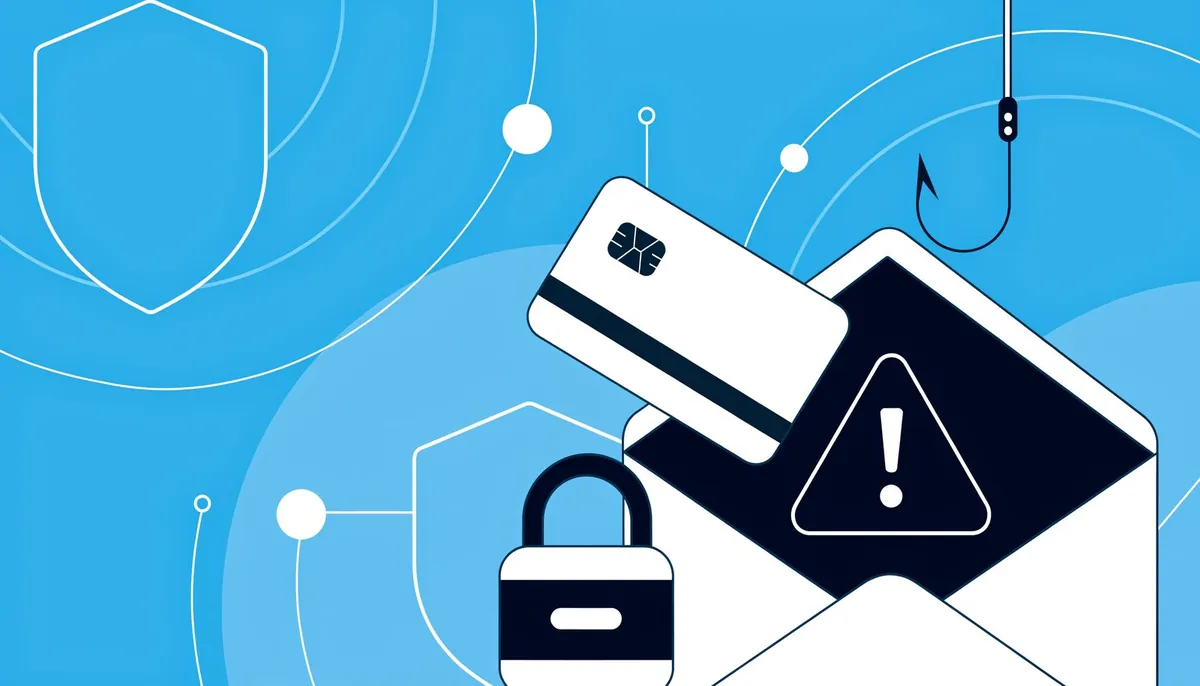
A text message or email reports a supposedly undeliverable parcel, often with the logo of well-known delivery services, and asks you to pay a small “additional fee” via a link. The link leads to a fake payment page where credit card details are harvested. Particularly devious: the amount is deliberately kept small (2 to 5 euros) so that the victim doesn't become suspicious – it's not really about this amount but about the complete card details.
2. Fake bank and PayPal emails
Supposed security warnings ask you to “verify” your login details via a link that leads to a visually perfect copy of the login page. Everything looks identical to the real page – except the web address in the address bar, which differs on close inspection.
3. CEO fraud / boss scam (especially relevant for small businesses)
An email or, increasingly, a voice message apparently from the managing director or owner urgently and confidentially asks an employee to make a bank transfer or buy gift cards. The message often stresses urgency and confidentiality (“please don't tell anyone else, I'm in an important meeting right now”) to prevent questions. With AI-powered voice cloning tools, deceptively real phone calls using the cloned voice of a known person are now possible – this scam deliberately targets small trades businesses, practices and law firms, because decision-making paths are shorter there and controls are often less strict than in large companies.
4. Quishing – phishing via QR code
Whether on a flyer, stuck over a parking meter or attached to an email: a QR code leads to a fraudulent page. Because many people are less suspicious of QR codes than of classic links, this scam is spreading.
5. Fake support calls
A supposed Microsoft or bank employee calls, reports a “critical security problem” on your computer and asks for remote access via a tool such as AnyDesk or TeamViewer to “fix” it. Once access has been granted, either data is stolen directly or malware is installed, or a “refund” is faked in which the victim supposedly has to transfer back money that was paid out by mistake – in reality it's a manipulated account display.
6. Ransomware via invoice attachments
An email with a supposed invoice, reminder or job application attached (often as a ZIP or Office document with macros) installs malware when opened, which then encrypts files across the entire network and demands a ransom. For small businesses, this can paralyse the entire operation within a few hours.
7. AI-powered deepfake scams
A relatively new but rapidly growing category: with freely available AI tools, deceptively real voice clones can now be created from just a few seconds of audio (for example a public video or a voice message). Fraudsters use this to pose convincingly on the phone as a family member in a supposed emergency (“I've had an accident, I need money right away”) or as a superior with an urgent payment instruction. Fake video calls with a recreated face are also becoming more common, for example in supposed video meetings. The protection remains the same as with classic CEO fraud: call back via an independently known, second channel, and never act solely on the basis of the voice or image on the call, however real it sounds or looks.
Concrete warning signs you can check in seconds
Even with very well-made fakes, there are almost always telltale details:
- Check the sender address carefully, not just the displayed name.
[email protected]isn't PayPal, whatever the display name says. - Hover the mouse pointer over links (don't click!) and check the actual destination URL at the bottom of the browser or email program before clicking.
- Impersonal greeting in supposedly important, personal messages (“Dear customer” instead of your name) – although good fakes can now be personalised if data has already been leaked.
- Artificial time pressure and threats (“immediately”, “within 24 hours”, “or your account will be blocked”).
- Unusual communication channel: does the “boss” suddenly call from an unknown number asking for an urgent, confidential transfer? That's an alarm signal, not a coincidence.
- A request for an unusual payment method: gift cards, cryptocurrency or instant transfers abroad are practically never the payment method required by reputable institutions.
- Spelling and formatting: rarer now, but fakes occasionally still give themselves away through unusual wording, different fonts or a slightly wrong logo.
The golden rule: a second channel, not a reply
The most effective protection against practically all of these scams is a single principle: verify via a second, independent communication channel. If you receive a suspicious message supposedly from your bank, call the bank on the number on your bank card – not on a number given in the message. If the “boss” asks for an urgent transfer by email or text message, call them on the known, saved number and ask in person – not on the number the suspicious message came from. This one step immediately exposes the vast majority of all fraud attempts.
Special focus: small businesses
Trades businesses, practices and law firms are attractive targets for attackers: often less IT security infrastructure than large companies, but worthwhile payment volumes and sensitive customer data. A single successful ransomware attack can paralyse the business for days – with direct loss of revenue and, depending on the data affected, GDPR reporting obligations to the supervisory authority.
A few organisational measures that achieve a disproportionate amount:
- Four-eyes principle for transfers above a fixed amount, regardless of how urgent the request sounds.
- A fixed internal rule: never execute payment instructions solely on the basis of an email or text message, but always have them confirmed via a second channel.
- Regular, short awareness sessions for staff – not as a one-off training, but as a recurring reminder, for example based on current fraud cases in the press.
- Multi-factor authentication (MFA) for all business email and cloud accounts. Even if a password is stolen, MFA prevents the actual access in most cases.
- Current, tested backups, so that a ransomware incident doesn't threaten your existence but remains “just” an annoying incident with manageable recovery effort.
We bundle exactly these measures in our Digital Caretaker (Digitaler Hausmeister) service for small businesses: a one-off security assessment, concrete, actionable recommendations instead of theoretical checklists, and, on request, the technical implementation of MFA, backup and email filtering.
What to do if you have already clicked or entered data
Panic is the worst adviser – but quick, considered action really does count now:
- Change passwords immediately, starting with the affected account, then for all accounts that use the same or a similar password.
- Inform your bank if payment details could be affected – have the card blocked if necessary.
- Enable MFA on all important accounts, if you haven't already.
- Have the device checked for malware, especially if a link was clicked or an attachment opened. Don't just keep working and hope that nothing has happened.
- For company accounts: inform the person responsible for IT or your external service provider immediately and disconnect the affected device from the network to stop any possible spread.
- Report it to the police, especially if there is financial damage – even if the chances of recovering the money are often low, the report is important for insurance purposes and statistics.
- With ransomware encryption: disconnect the computer from the network immediately, don't experiment yourself, get professional help – sometimes files can be recovered via shadow copies or existing backups without paying a ransom.
Checklist: check in 30 seconds before you click
- [ ] Is the message really unexpected, or am I actually expecting a parcel, an invoice or an email from this sender right now?
- [ ] Have I checked the full sender address, not just looked at the displayed name?
- [ ] Does the message create time pressure, fear or unusual urgency?
- [ ] Is an unusual payment method requested (gift cards, crypto, instant transfer)?
- [ ] Have I checked the link destination before clicking (hover over it, don't click)?
- [ ] If in doubt: have I verified via a second, independent channel (calling back on a known number, not the one from the message)?
If you hesitate at any of these questions, that alone is reason enough to ignore the message or first have it checked by a neutral party.
Frequently asked questions
Isn't a good antivirus program enough to protect me? Up-to-date security software is a sensible additional safeguard but doesn't replace your own vigilance. Most successful phishing attacks don't work via technical malware but because the victim voluntarily enters login or payment details on a fake page – classic antivirus software doesn't reliably detect that.
How do I recognise a fake web address if it looks almost identical? Look for small differences: extra words or hyphens (paypal-customerservice-uk.com instead of paypal.com), swapped letters, or a different ending than expected (.info instead of .com). If in doubt: type the address of the known, official site into the browser manually instead of following a link.
What if the call really comes from a known number? Numbers can be faked technically (“spoofing”) – a correctly displayed number is no reliable proof that a call is genuine. For any unusual request for money or login details, the rule still applies: hang up and call back yourself, on an independently known number.
Should I delete suspicious messages or keep them? For a possible police report or a report to a consumer advice centre, it's worth keeping suspicious messages at first (screenshot or forwarding) before deleting them. On no account reply or click on links they contain to “test” them.
How often should staff in a small business be trained? Experience shows that one-off training sessions fizzle out after a few months. Short, recurring reminders are more effective – for example a current fraud case from the news, briefly discussed in the team – combined with clear, written process rules for payments and data releases that apply regardless of how anyone is feeling on the day.
Conclusion
Phishing and related scams don't thrive on technical sophistication alone, but above all on striking exactly when we are stressed, distracted or under time pressure. The most effective defence is therefore not an expensive security product but a simple habit: with every unexpected, urgent request – whether by email, text message or call – pause and verify via a second, independent channel. Anyone who applies this one rule consistently is already better protected than most.
If you're unsure whether a message, a call or a situation is legitimate, or if something has already happened: get in touch with us. We check, advise and help without wagging a finger – quick, considered action matters more now than embarrassment about a click almost anyone could have made.
Contact: +49 7042 16391 · [email protected] · Grabenstraße 18, 71665 Vaihingen an der Enz, Germany (near Stuttgart). We are happy to help in English.