A home network quickly reaches its limits with video conferences and VPN connections. We show you how to set up your home office network so that it really works.
The biggest problem: Wi-Fi instead of cable
Use a LAN cable whenever possible. A USB-C Ethernet adapter costs under 15 euros and makes an enormous difference.
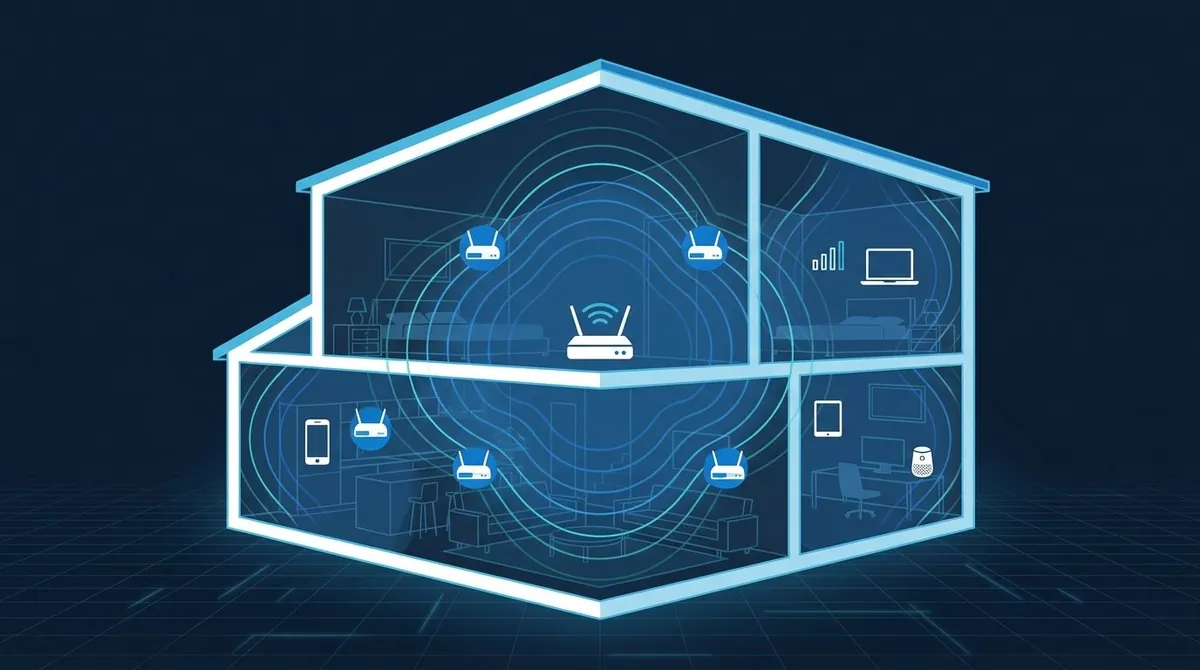
Positioning the router correctly
- Central in the living area – not in a corner
- Raised up – Wi-Fi spreads downwards
- Away from sources of interference – microwave, baby monitor, cordless phone
- No concrete walls – the signal loses up to 70%
2.4 GHz vs. 5 GHz
Close to the router → 5 GHz (faster). Rooms further away → 2.4 GHz or a Wi-Fi mesh (FRITZ!Mesh, TP-Link Deco, from approx. €80).
Security in the home office
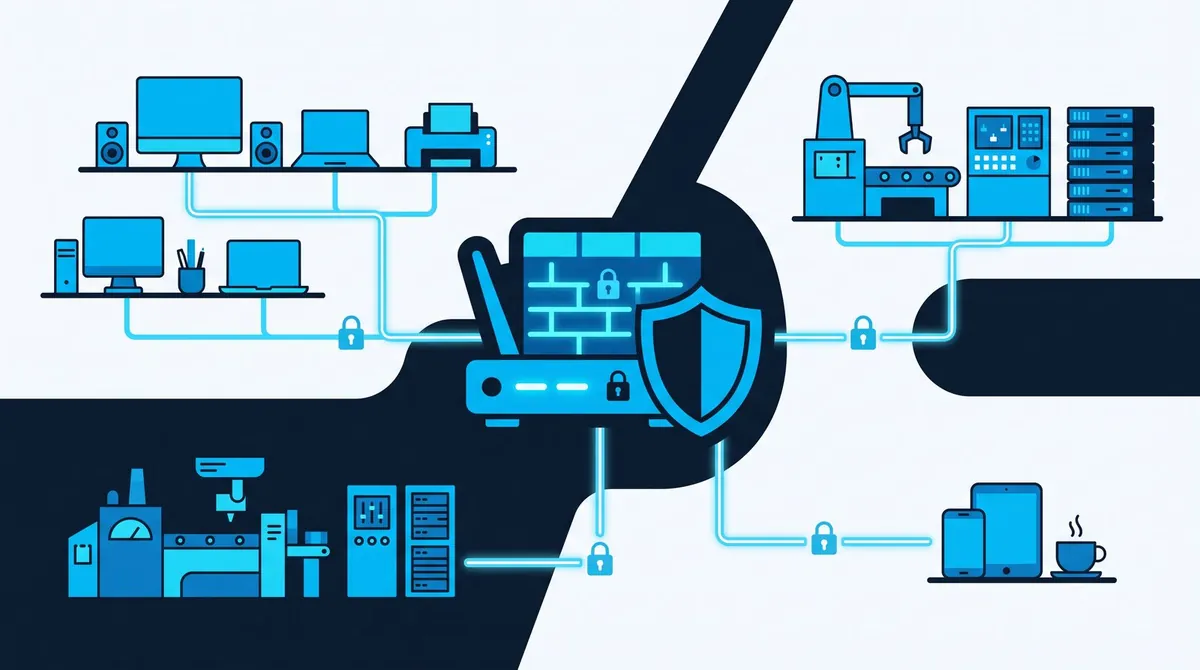
- Set up a separate Wi-Fi network just for work
- Always keep the VPN active when accessing company data
- Update the router firmware monthly
- Change the default admin password
Video conferences without interruptions
- At least 10 Mbit/s upload for HD conferences
- Enable QoS in the router
- A headset instead of the built-in microphone
Home office network causing problems? We come to you and set everything up. Hasi Elektronic on-site service, Vaihingen an der Enz near Stuttgart. +49 7042 16391 – we are happy to help in English.