The moment a customer calls us is almost always the same: panic in their voice, a screen full of incomprehensible messages or – in the worst case – a ransom demand in red letters declaring all files irretrievably encrypted. Whether it's a private laptop or the only PC in a small practice in Vaihingen an der Enz: an acute infection always feels urgent and threatening. The good news first: in the vast majority of cases, more can be saved than you believe at that moment – provided you act correctly in the first minutes instead of panicking.
This guide shows you how to tell a real infection from a harmless error message, which immediate measures in the first 30 minutes decide the outcome, what you should never do, and how a proper clean-up works afterwards – including the question we are asked most often: should you pay the ransom?
How do you really recognise an infection?
Not every slow computer has a virus, and not every warning is genuine – fake “Your PC is infected” pop-ups from dubious websites are themselves among the most common scams. But a few signs do point to a real infection:
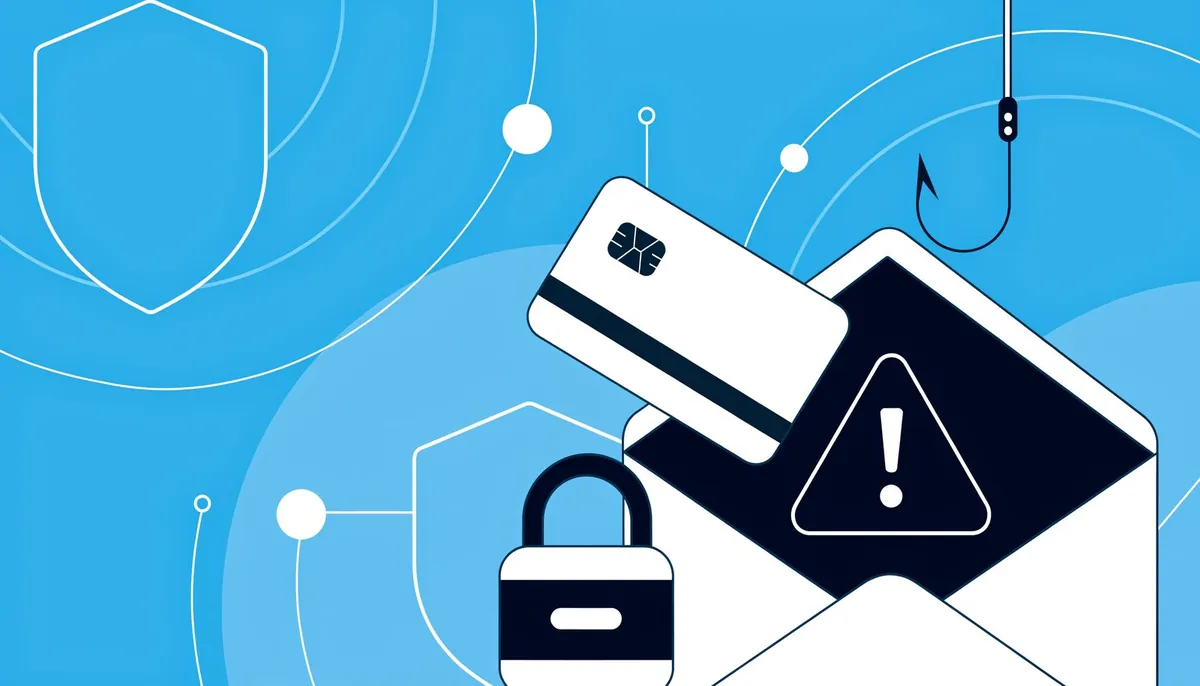
The computer suddenly and permanently becomes slow without you having installed anything unusual – especially if the fans and hard drive activity run at full speed even when idle. Unknown programs or toolbars appear in your startup items or browser that you never installed. Files suddenly can no longer be opened, have acquired a strange file extension, or there is a text file with a ransom demand in every folder – a clear sign of ransomware. The browser redirects to unfamiliar sites, new ad windows keep opening, or the home page has changed without your doing. Friends or colleagues receive emails or messages from your account that you never wrote. The firewall or antivirus can no longer be switched on or keeps deactivating itself – classic behaviour of modern malware that defends itself against detection.
Important: none of these symptoms necessarily means an infection, but each of them is a reason to take a closer look rather than ignore it.
The most common entry points
To protect yourself, it helps to know how malware gets onto a device in the first place. In our day-to-day work we see the same five routes again and again:
Phishing emails with an attachment or link. Still the most common route – a supposed invoice, a parcel notification or an urgent payment request with an attached Word or ZIP file that runs a script when opened.
Cracked software and illegal download portals. “Free” full versions of commercial software are a popular hiding place for malware, because nobody can check where the code came from.
Infected USB sticks and external drives. An underestimated risk, especially in businesses with several workstations – a single infected stick can spread across the entire network.
Outdated software with known security holes. Windows, browser or plugin updates that have been postponed for months leave known entry points open that could long have been closed.
Weak or reused passwords. Especially with remote access software (e.g. RDP), a single guessed password – or one known from another data leak – is often enough to gain access to an entire system.
Immediate measures: the first 30 minutes are decisive
As soon as an infection is suspected, every minute counts – not out of panic, but because many malicious programs actively keep spreading as long as the device stays online.
1. Disconnect from the network immediately. Switch off Wi-Fi or pull out the network cable. This interrupts the malware's communication with its control server and prevents ransomware from spreading over the network to other devices or shared drives. This is the single most important step of all.
2. Don't switch the device off if you suspect ransomware. That may come as a surprise, since “turn it off and on again” is often the first reaction to other problems. But during active encryption by ransomware, a hard shutdown can prevent traces from being preserved for analysis or a possible decryption later. Instead, disconnect it and leave the device in its current state for diagnosis.
3. No panic clicks. Don't click wildly on messages, and don't try to solve the supposed problem yourself with quickly downloaded “repair software” – such tools are often malware themselves, disguised as a rescue.
4. Change affected credentials from another, clean device. If possible, change important passwords (online banking, email, cloud services) from a second, unaffected device – not from the infected computer itself, where entered passwords could be intercepted.
5. Inform affected colleagues, family or customers. If suspicious messages have been sent from your account, briefly warn the recipients not to click on links in them.
6. Get an expert diagnosis instead of experimenting yourself. Especially with ransomware, or when business-critical data is affected, every careless attempt of your own increases the risk of destroying traces that would be important for a professional clean-up or data recovery.
What you should never do
Just as important as the right steps are the mistakes that increase the damage afterwards. Don't simply reinstall the infected device before important data has been backed up or at least checked – with ransomware, this can close off the last route to a possible decryption. Don't rush to restore a backup without knowing exactly how long the infection has been active – otherwise you'll restore the malware along with it. Don't rely on well-meant advice from forums recommending blanket “miracle tools” without knowing the specific malware. And: don't hesitate to get help out of embarrassment – the longer an infection goes undetected or untreated, the greater the damage typically becomes.
Ransomware: should you pay the ransom?
We are asked this question regularly, and the honest answer is uncomfortable: as a rule, we advise against paying, for several reasons. Firstly, there is no guarantee that a working decryption key will actually be delivered after payment – many victims pay and still don't get access to their data back. Secondly, every payment funds the criminal infrastructure behind the attack and makes further attacks more likely – including against you, as it becomes known that you are willing to pay. Thirdly, free decryption tools provided by IT security organisations now exist for many known ransomware families – something only an expert diagnosis can reliably check before you even think about paying.
For businesses there is a further point: if personal data (customer, patient or employee data) is compromised by a ransomware attack, there may be an obligation to notify the competent data protection authority under Art. 33 GDPR – regardless of whether you pay or not. The deadline is generally 72 hours after becoming aware of the incident. If in doubt, you should seek legal advice on this; we always point this out to affected business customers.
The underestimated cost factor: downtime
In businesses and practices, the financial damage of an incident is often measured solely by the cost of the clean-up – yet in practice downtime is usually the bigger item. If a workshop can no longer record orders digitally, a practice can no longer manage appointments or a trades business can no longer write invoices, the lost revenue per day often adds up to a considerable sum faster than the actual IT damage. That is exactly why it pays to clarify in advance which minimal emergency procedures – such as a paper order list for the interim or a second, isolated device for urgent cases – will keep the business running at least in a limited way while the actual IT is being cleaned up.
Another frequently overlooked point: cyber insurance. For small businesses with sensitive customer or patient data, a specialised cyber insurance policy can be worthwhile; besides the direct clean-up costs, it can cover business interruption, obligations to notify those affected and, in individual cases, even legal advice. Whether it pays off for your business depends on size, data sensitivity and individual risk – a conversation with your insurance adviser is worthwhile in any case.
Working from home and private devices: an additional entry point
Since many businesses also allow working from home or mobile working, part of the risk shifts out of the well-protected company network onto private routers, private devices and private Wi-Fi networks, which rarely offer the same level of protection. If a private device is used for work, it should ideally meet the same security standard as a company device: up-to-date antivirus, timely updates, a separate Wi-Fi network for work devices instead of a shared network with private smart home devices, and where possible a VPN connection for accessing company data. For small businesses that want to allow working from home permanently, a one-off, clean set-up of these basics is worthwhile – the effort is modest compared with the consequences of an incident via an unprotected home network.
After the incident: how a proper clean-up works
Once the device is with us for diagnosis, we proceed in a structured way instead of simply “running a scan over it”:
1. Analysis without a network connection. We check exactly which malware is present, how long it may have been active and which data is affected – before anything is changed.
2. Data backup first. Where technically possible, we first save important, still accessible data to a clean external medium before the actual clean-up begins.
3. Targeted removal or reinstallation. Depending on how deep the infection goes, a targeted clean-up of the system is enough – or, honestly, it makes more sense to reinstall the operating system completely. Especially with malware anchored deep in the system, a clean restart is often safer than trying to remove every trace individually.
4. Checking for data leaks. We look at whether credentials or sensitive files may have been leaked, so that you can change the affected passwords specifically instead of guessing.
5. Protection for the future. After the clean-up we set up up-to-date antivirus, updates and – on request – a backup solution so that the same incident doesn't happen again.
Prevention is cheaper than cure: the most important protective measures
Regular, separate backups (3-2-1 rule). Three copies of your data, on two different types of media, one of them stored in a separate location or offline. A backup that is permanently connected to the computer is often encrypted along with everything else in a ransomware attack and then doesn't protect you.
Install updates promptly. Operating system, browser and all plugins – most successful attacks exploit holes for which an update has long been available.
Up-to-date, reputable antivirus, combined with a healthy distrust of unexpected attachments and links – technology alone is no substitute for attentiveness.
Enable multi-factor authentication (MFA) wherever it is offered – especially for email, online banking and cloud services. Even a stolen password is then usually of no use to attackers.
A password manager instead of reused passwords – a single data leak at a third-party provider then doesn't immediately endanger all your other accounts.
For businesses: staff awareness. A short, regular training session on recognising phishing emails is often more effective than any additional software – people remain the most common entry point.
Frequently asked questions
Is a free virus scanner enough to clean up after an infection? For a first rough detection, yes; for a complete, safe clean-up after a real infection, often not – especially if malware has already embedded itself deep in the system or a reinstallation would make more sense than just removing individual files.
My files are encrypted – can anything still be saved? That can't be answered in general and depends on the specific ransomware variant. Free decryption tools exist for some known variants, unfortunately not for others. An expert diagnosis before any decision – including before a possible payment – is the most important first step here.
How quickly should I act if I suspect something? Immediately. Disconnecting from the network costs you one minute and can prevent the damage from spreading to other devices or an entire company network.
Do I have to report an infection in my company? If personal data could be affected, there may be a reporting obligation under the GDPR. If in doubt, get legal advice at short notice – we point this out during the diagnosis but cannot replace legal advice.
Can it happen again after my device has been cleaned? If the original weakness – such as a reused password or an unpatched security hole – isn't addressed, it certainly can. That's why our clean-up always includes a short hardening for the future.
What does a professional clean-up cost? That depends on the extent of the infection. After the free initial diagnosis we give you a transparent fixed price before the actual work begins.
Is cyber insurance worthwhile for a small business? That depends on size, industry and data sensitivity. If you regularly process customer or patient data, at least a consultation with an insurance expert is worthwhile – in practice, the costs of downtime often far exceed the premium.
Is my smartphone as much at risk as a PC? In principle yes, even though smartphones are affected less often. Malicious apps outside the official stores, manipulated links in messages and outdated operating system versions are the most common entry points here too – the same basic rules on updates and caution with attachments apply accordingly.
Conclusion
An infection is unpleasant, but in most cases not a reason to panic – as long as you use the first minutes correctly: disconnect from the network, stay calm, don't experiment yourself, get expert help. If you also rely on regular backups, updates and multi-factor authentication, you significantly reduce the risk of an infection from the outset – and get through the exceptional case far more calmly.
Do you suspect an infection on your PC, laptop or in your company network? Disconnect the device from the network and get in touch – our diagnosis is free of charge.
Contact: +49 7042 16391 · [email protected] · Grabenstraße 18, 71665 Vaihingen an der Enz, Germany (near Stuttgart). We are happy to help in English.